purpose

Replacing the fan 12 V (EV 1)

qualification

Qualified personnel

Material

Pos.DesignationT28738T29342
01

fan 12 V, 0,6 m

1-
01

fan 12 V, 0,95 m

-1

Required material

  • Torx screwdriver, size 20

procedure

ATTENTION!

Working with the unit requires knowledge of the safety instructions and quick guide. That's why:

Read the safety instructions and quick guide carefully before starting any work. The basic requirement for safe work is compliance with all safety instructions and careful action by qualified qualified personnel to prevent accidents involving personal injury and property damage.
cooling / switch off

  • On the basic screen, tap the function button ().
    • The unit cools down until the temperature is lower than the cooling temperature. The unit then switches off.

Open front

  • Open the front door and fold the front completely down by loosening the two Torx screws.
  • Remove the protective cover in the electrical housing by removing the Torx screws.

Replace spare part

NOTE!

When replacing the fan, it is recommended that you clean the air filter mat on the bottom of the device and replace it if necessary. Click here...

  • Unplug the X24 connector from the GIF-61 unit board and remove it completely.
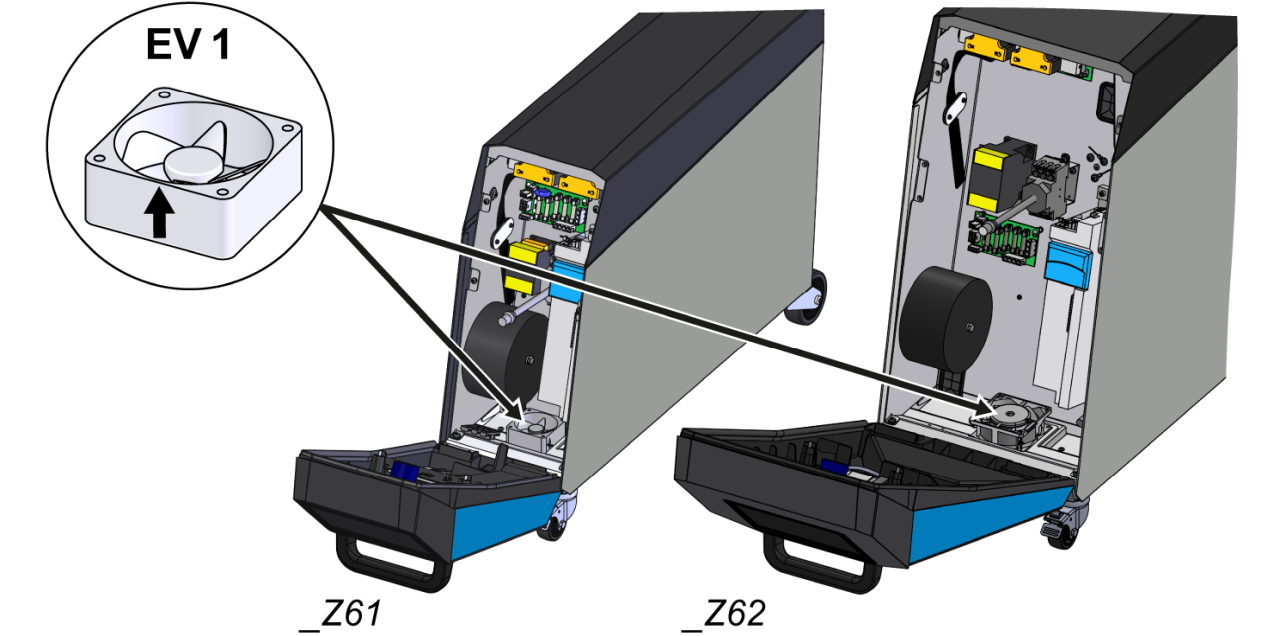
  • Remove the fan (EV_1)
    • Important: The fan is not screwed — it is only fixed in place in the electrical housing through the protective cover.
  • Install a new fan (EV_1).
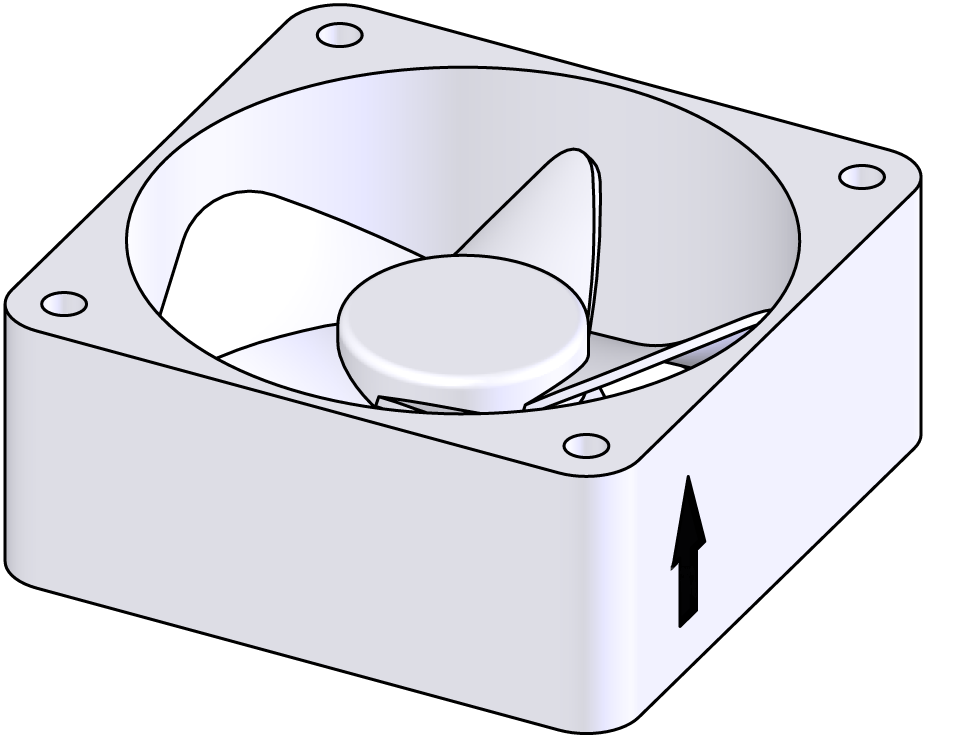
    • Make sure the airflow is directed inwards into the unit (see arrow on the fan housing).
  • Route the X24 connector to the GIF-61 unit board and connect it.

Close front

  • Install the protective cover around the electrical housing and secure with Torx screws.
  • Fold up the front and secure 2x Torx screws.

Check function

  • Switch on the unit using the I/O button (), check the tightness and function of the unit.
  • Reset the maintenance interval of the replaced component (→ Maintenance schedule).

Switch off

  • Switch off the unit using the I/O button ().
    • The unit switches off and, if necessary, is cooled and depressurised.
  • Switch off the main switch (QS 1).